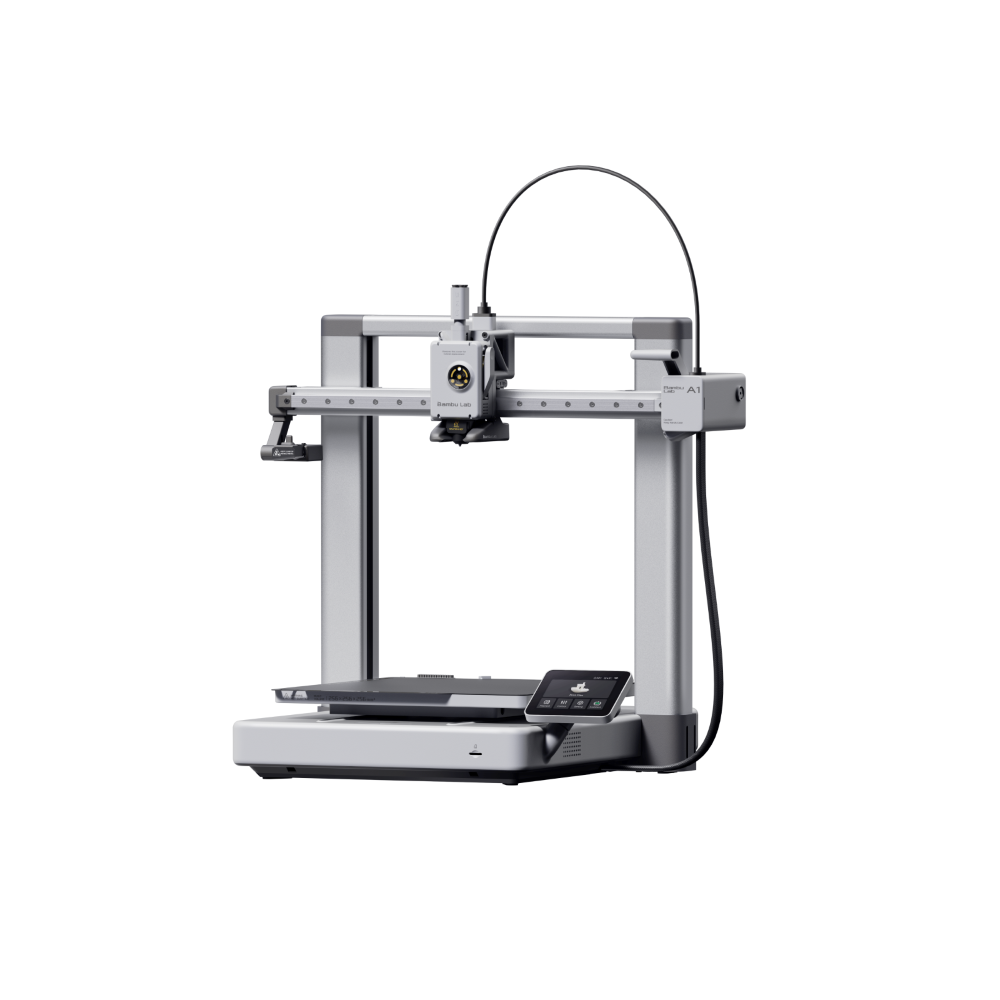
A1 Combo (CN Variant)
No reviews yet
Full-size FDM 3D printer with a 256 × 256 × 256 mm build volume, fully automatic calibration, and a built-in camera. AMS Lite compatible for future multi-color upgrades.
Only 2 left!
12 sold
In stock — 2 available
Weight
13 kg
Overview
The Bambu Lab A1 is a full-size, open-frame FDM 3D printer built for speed and precision. It offers a 256 × 256 × 256 mm build volume, enough for large single-piece prints at the printer's full working area, and reaches print speeds up to 500 mm/s with 10,000 mm/s² acceleration. Every print starts with fully automatic calibration - Z-offset, bed leveling, vibration compensation and flow rate are all handled by the printer itself, with no manual tuning required. A built-in camera lets you monitor prints remotely and record time-lapse footage. The A1 supports PLA, PETG, TPU and PAA, with a nozzle temperature up to 300°C and a bed temperature up to 100°C. It's compatible with the AMS Lite (sold separately) for multi-color and multi-material printing. Filament runout detection and power-loss recovery are built in. Note: This is the CN Variant, built for mainland China. It does not connect to Bambu Handy or Bambu Studio out of the box, but prints wirelessly over LAN. The Bambu Handy and Cloud restriction can be bypassed. Outside of this, there is no difference in the machine or print quality. CN variants are priced lower because of subsidies within mainland China.
FAQs
The machine itself, the standard accessory kit listed by the manufacturer, and a printed quick-start guide. A full accessory list is available on request before you order.
Reviews
No reviews yet — be the first to share your experience.
Resources
Need a manual, spec sheet, or slicer profile for this machine? Our support team can send the latest version directly.
Contact Support →